Feature · Voice calls
Hear their voice. Read their meaning.
Voice calls in NatChatt are still your voice and theirs, in your accents, with your rhythm. We add captions in the other language across the bottom of the screen, usually inside two seconds of what was said.
In the app
A live call, transcribed both ways.
The in-call screen shows your language and theirs side by side, with each line of the conversation translated underneath. A Stop Translating button is right at the top in case you want a moment of plain audio. The usual speaker, video, mute and end controls sit along the bottom.
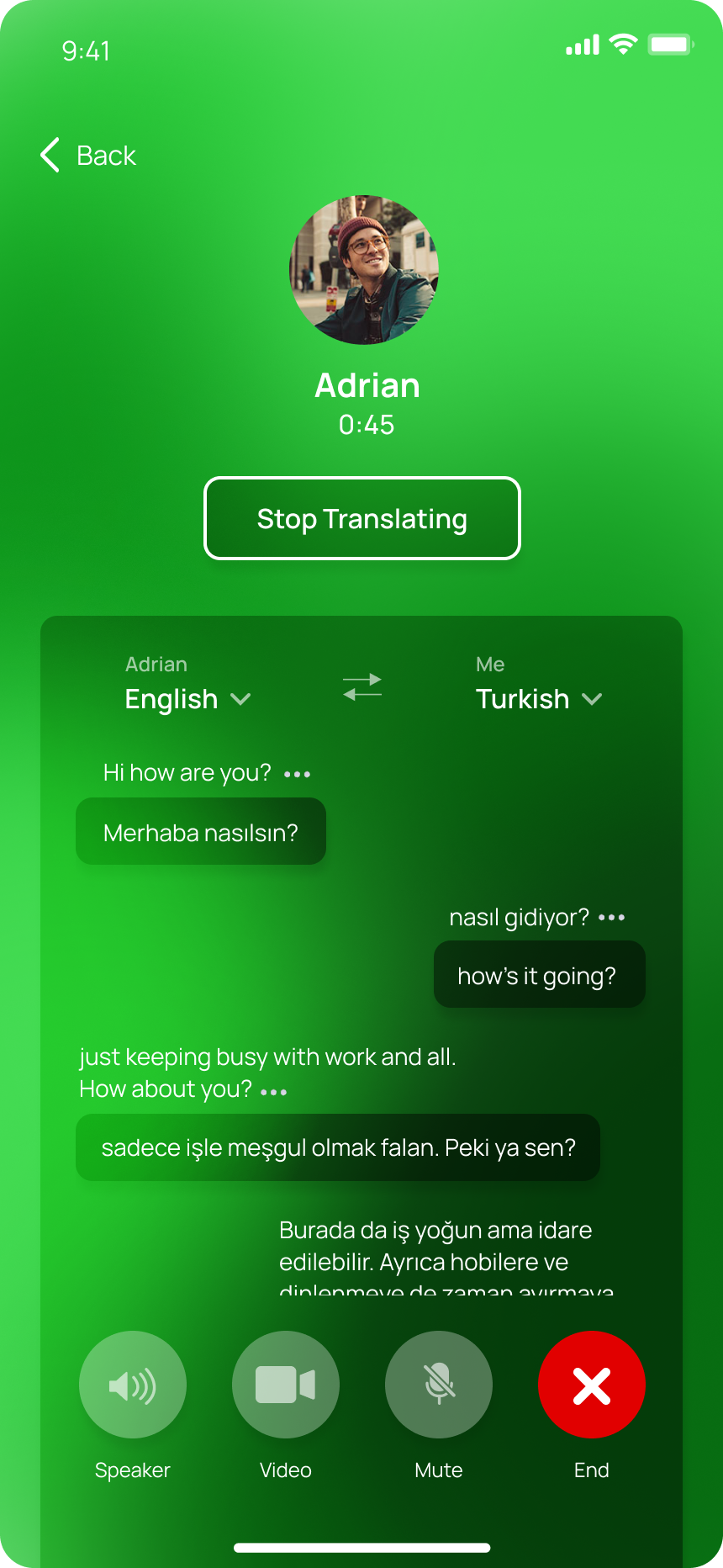
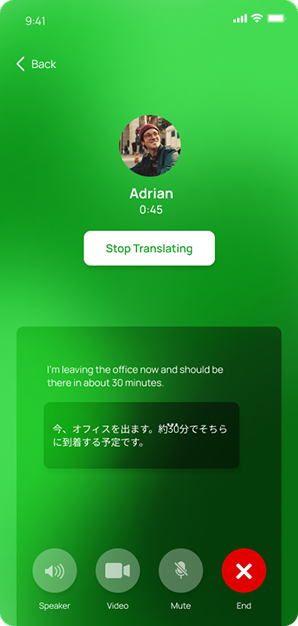
A lot of translation apps try to replace the speaker with a synthesised voice. We made a different choice. The voice you hear is the real one, because that’s often the whole point of a phone call. Your captions sit where subtitles would on a film, easy to glance at without losing the tone of what’s being said.
Calls connect peer-to-peer where they can, which keeps the latency low. When the network can’t support that, we fall back through our servers for the audio, but the conversation contents still go nowhere we don’t need them to. Captions are generated by sending short audio clips through Gemini and dropping the result back into the call.
When the line goes quiet for more than a few seconds, captions pause. They don’t loop, don’t hallucinate. When someone speaks again, they pick back up.
A small moment
The Sunday call with grandma.
Your grandmother lives in Bacolod and has never been confident on a video call. She prefers the phone. So you call. You hear her voice, the same one as ever, the way she stretches the “o” in your name.
On your screen, line by line: “Have you been eating well? Your mother said you were tired in the last photo. Send me your address again, I’m going to write you a letter.” She’s speaking Hiligaynon. You haven’t spoken it confidently since you were seven. It doesn’t matter today.