A small messenger from London
Chat across languages.
Some mornings the person you love is just going to bed. NatChatt is for those few minutes you both have a phone in your hand and you're not sharing a language. Type in yours. They read it in theirs. Voice notes, calls, the photo of what you made for dinner, all of it, in whichever language belongs to the moment.
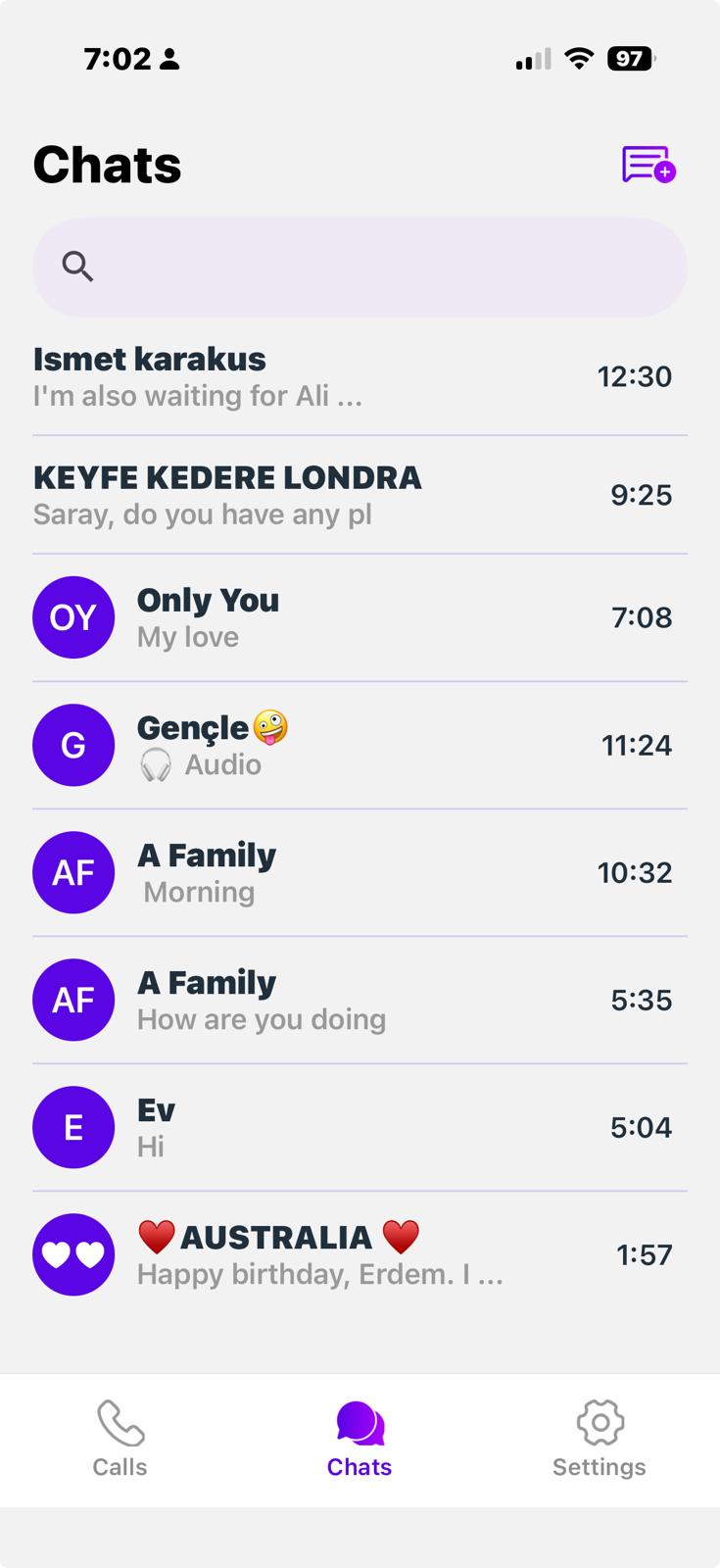
What it does
The same conversation, in two languages at once.
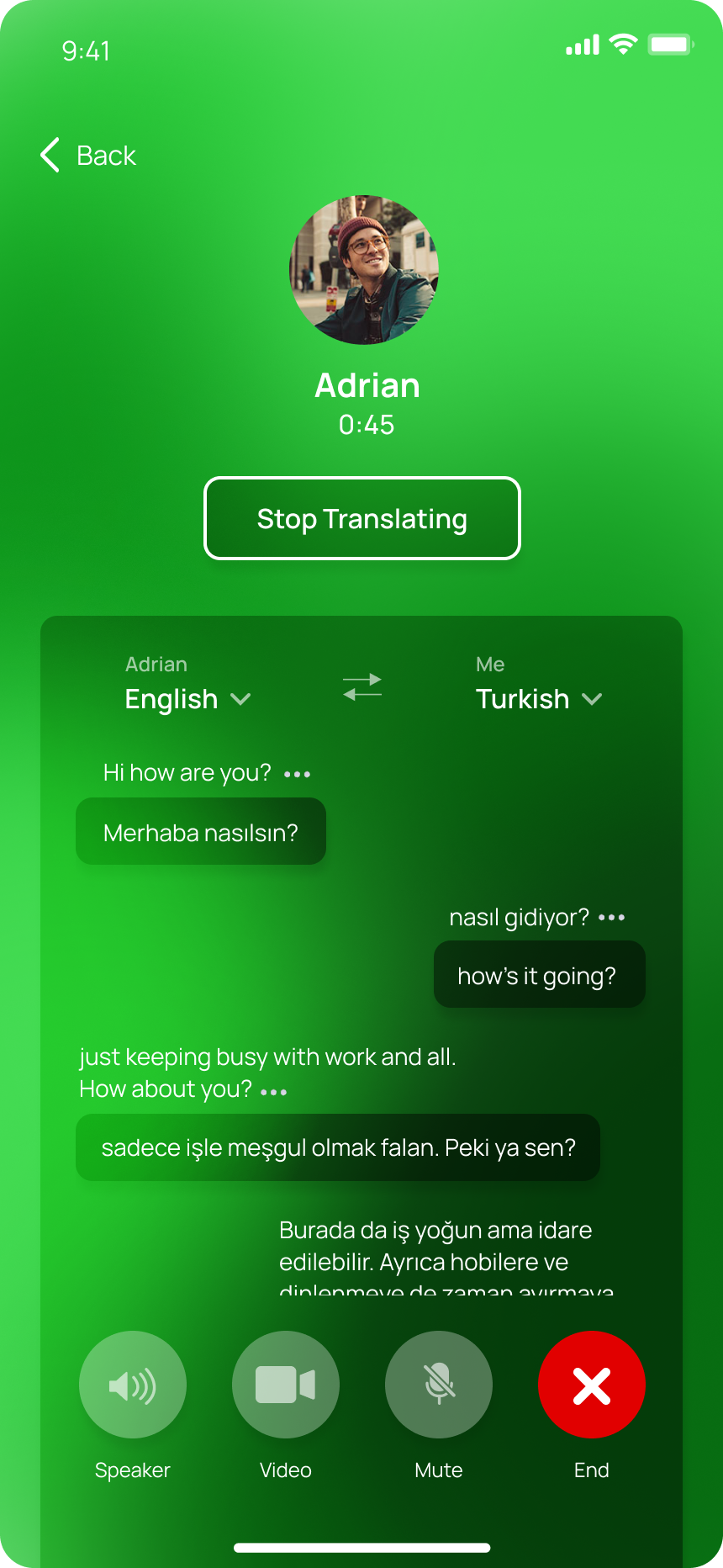
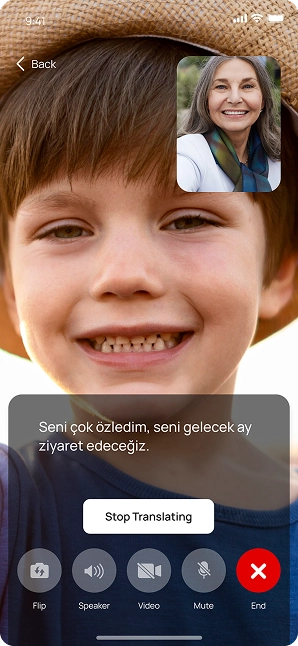
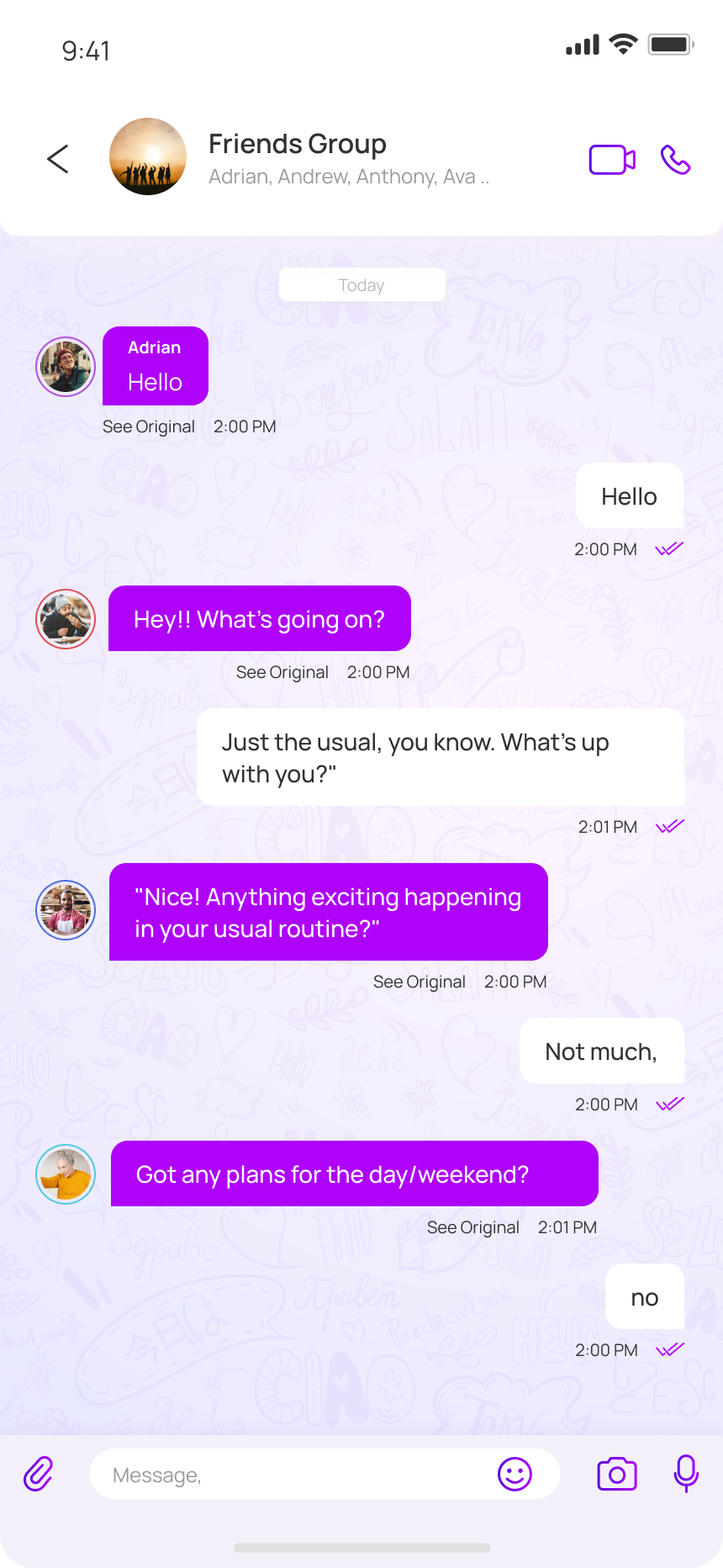
We didn’t want another translation app you open before you message someone. We wanted a messenger where translation is already there, waiting underneath the keyboard, on the call, beside the voice note.
How it works
Four steps, none of them yours.
You don’t pick a language. You don’t copy and paste. You don’t close one app and open another. NatChatt does the small steps so you can keep the conversation going.
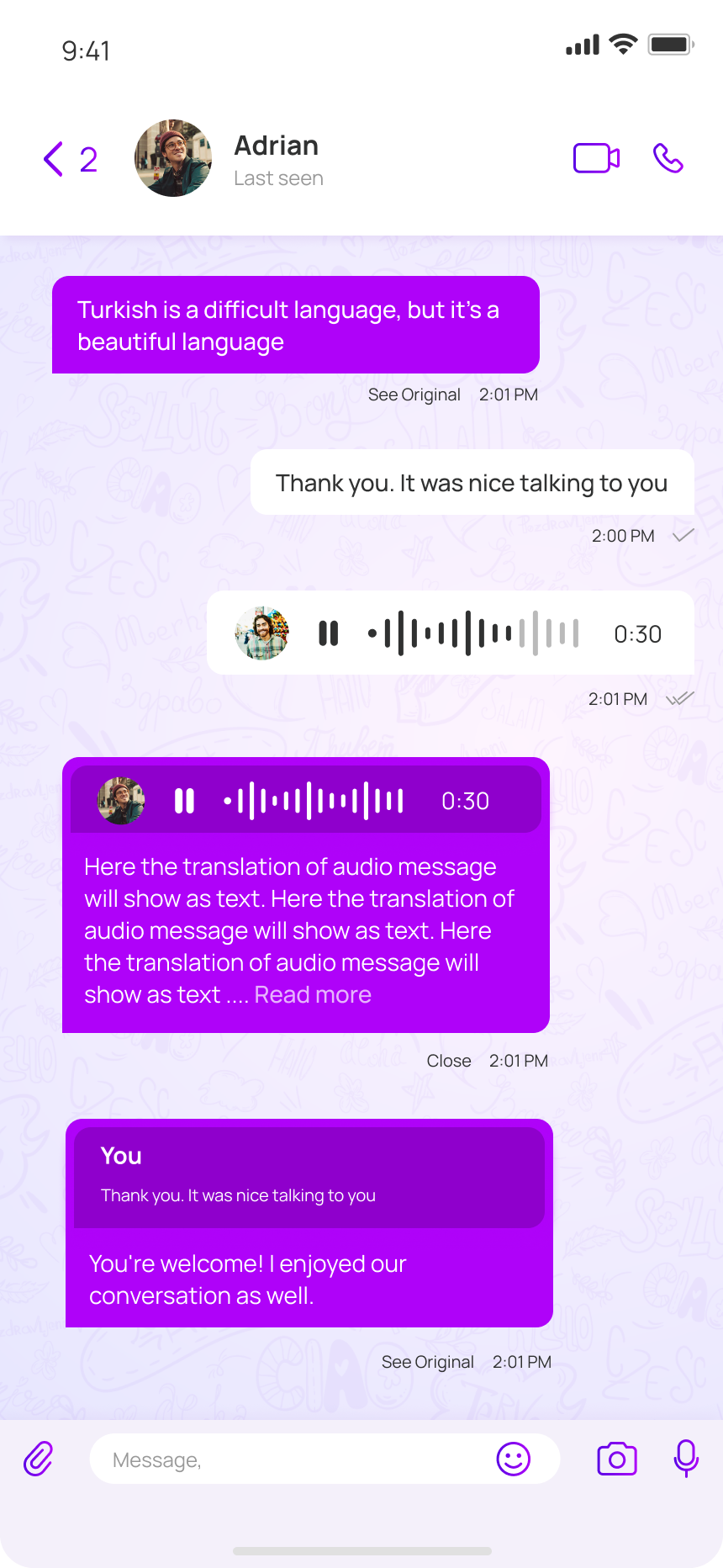
You type, speak, or share
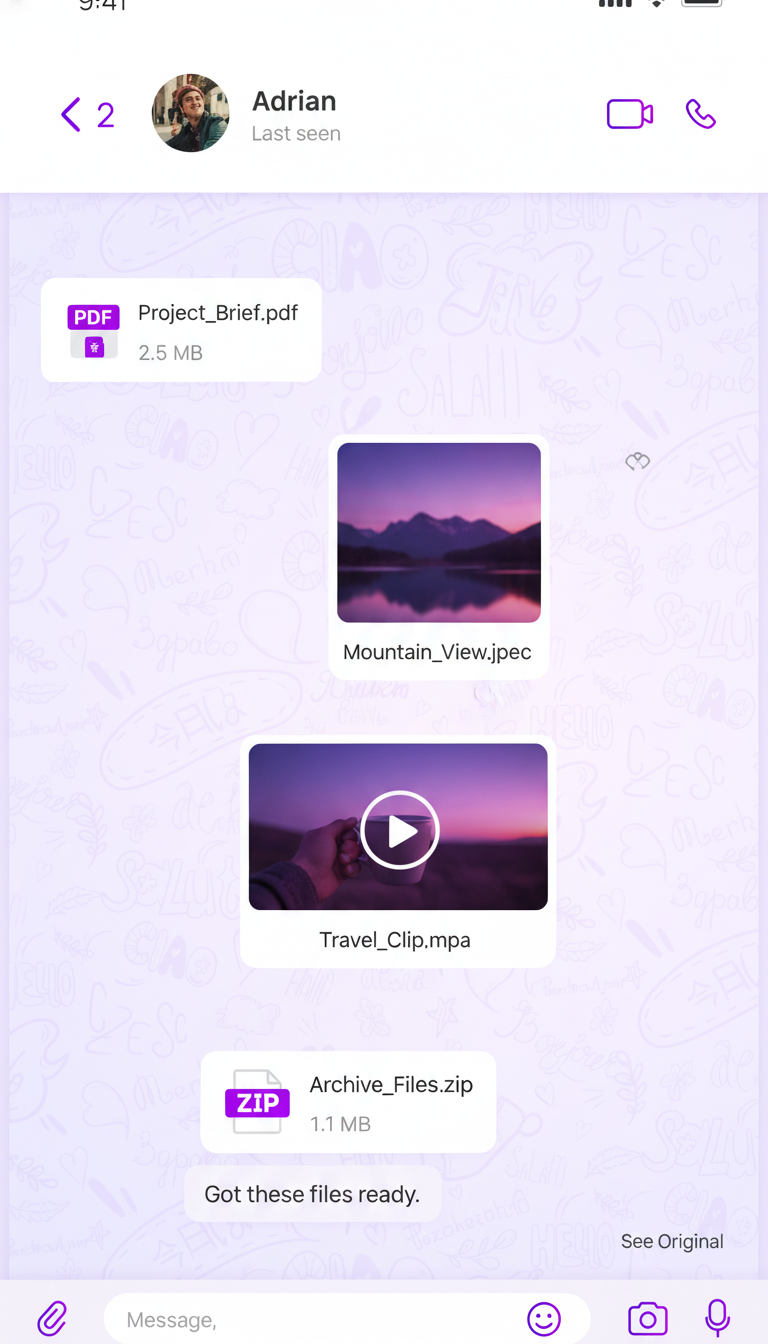
A message, a voice note, a photo with a caption, a PDF. The thing you would have sent anyway.
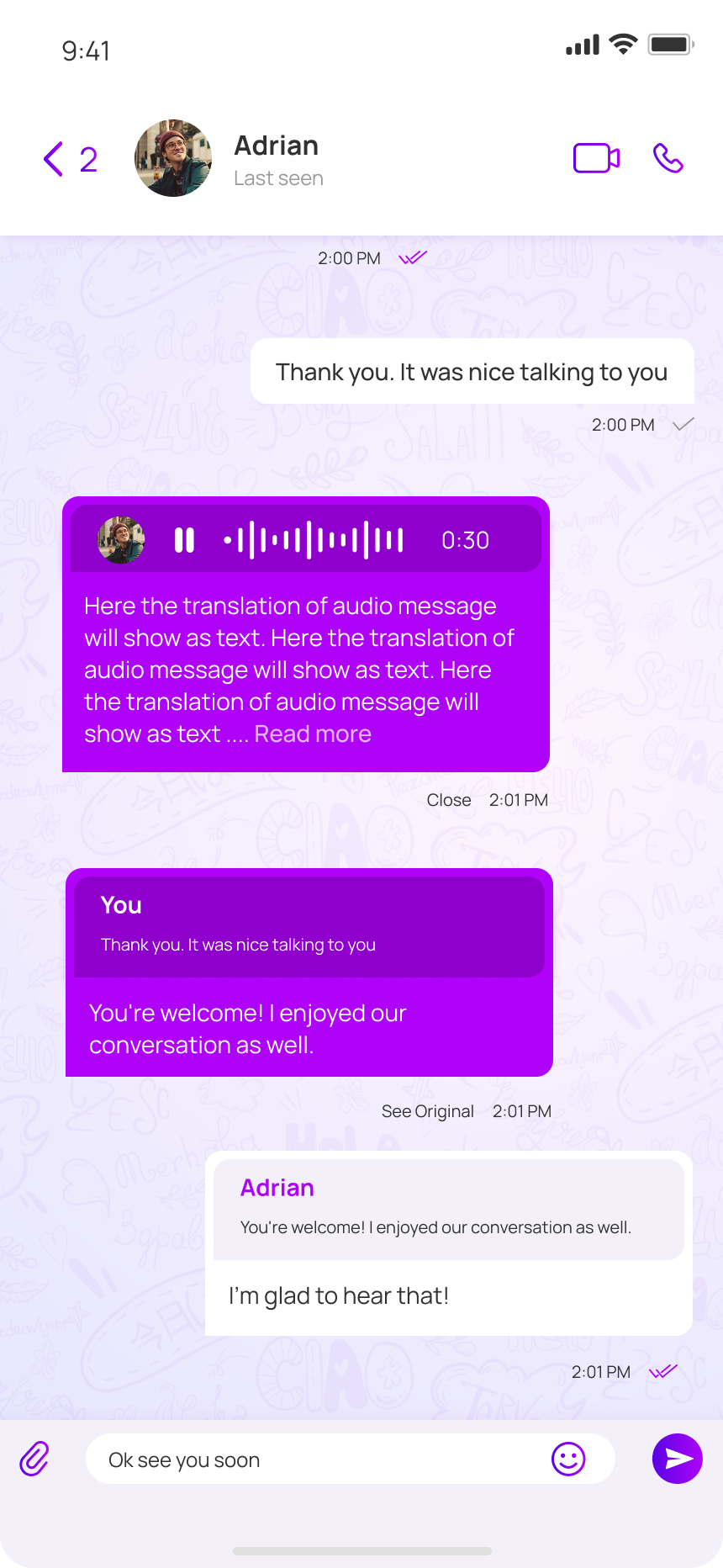
Gemini reads it
We pass your message through Google’s Gemini API, in the language you wrote it in.
It lands in their language
Translated on the way to their phone. The original sits underneath, in case they prefer it raw.
Then it lives only on your phones
We don’t keep your conversations on our servers. The translation happens, then leaves no trace.
Who it’s for
For the conversations that already matter to you.
We built this for people who already talk to someone every day across a language. The relationship was the easy part. Saying things in the right order is what we’re here to help with.





See it in motion
Thirty seconds, two languages, one conversation.
A short tour of NatChatt as it actually behaves on a phone. The voice notes, the translated bubbles, the in-call captions, all in the time it takes to boil a kettle.
Pricing, fully out in the open
Free app. Credits cover translation.
The app itself is free to download and use. You only pay for translation credits when you want them. Buy a pack when you want translation. Each credit covers the translation cost plus a small platform fee — no subscription, no markup, no surprises.
- Small £5 100 credits · 5.00p/credit
- Medium Most popular £10 210 credits · 4.76p/credit
- Large Best value £20 450 credits · 4.44p/credit
- On signup 15 free credits
Get the app
On the App Store. On Google Play.
Tap a badge to install on the phone you’re reading this on. Or scan the QR code beside it with the camera on the other phone in your pocket.
App Store
Google Play